

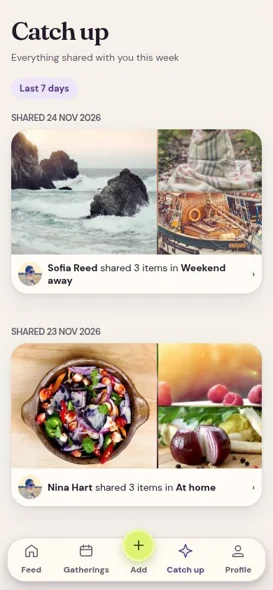
Catch up
See what people shared across your Gatherings this week.
 Open the web app
Private photo sharing for family and friends
Make a Gathering for a weekend away, a family celebration or the little moments you want to share.
Open the web appFree · No ads · Private by default
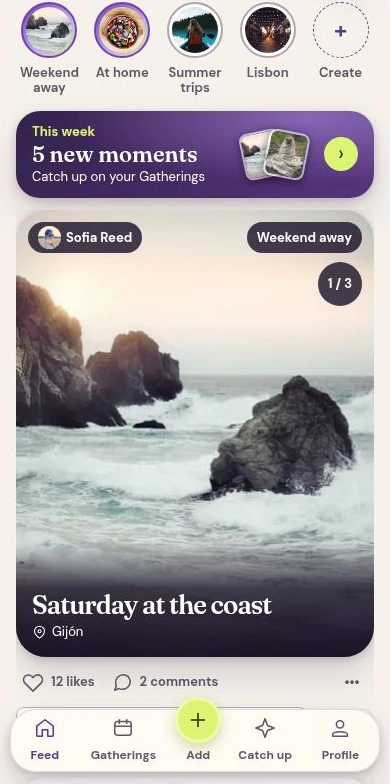
Give your trip, celebration or family photos a private space.
Choose who can view or contribute, then send them an invitation.
Add a photo, video or batch, and revisit them together.
See what people shared across your Gatherings this week.
Review similar photos before you share. You choose what stays in the batch.
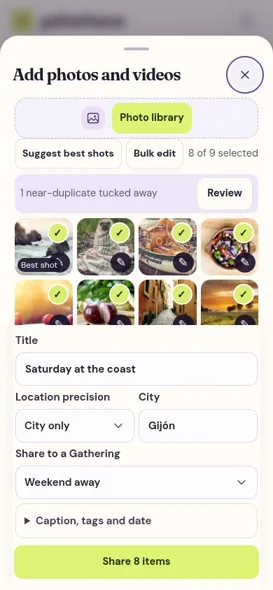
Choose the place label when you upload, or leave it blank.
Increase text size from your profile settings.
Share inside private, invite-only Gatherings.
Yes. Gatherframe is free to use in your browser.
People with access to your Gathering can see the photos you share there. Members may download and keep copies.
You can download photos and videos individually and export your profile and sharing data as JSON.
Gatherframe is for adults sharing with family and friends. Adults should only share photos of children they have permission to share.